

So I never took the time to look these up, but I just heard about them recently. I always wanted to know how to create a new folder in Windows Explorer without having to use menu’s, by just using a keyboard shortcut.
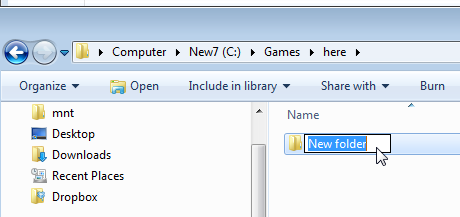
In the right side of the Explorer window, where you want the new folder, press your “CTL+SHIFT+N†keys. You’ll get a new folder ready to type in a new name.
Also, you can hit “CTL+N†to get a new window in the same location.